
1
Start your account in Nigeria today
You get full access to games, sports, and payouts after a quick Pin-Up registration. Login keeps your bets, balance, and history secure across devices. Verification protects your account and confirms your right to withdraw. You can use the website or the mobile app for the same fast flow. Support is ready to help if you need it.
Bonus 120% + 250FS
up to ₦9,000,000 NGN + 250FS
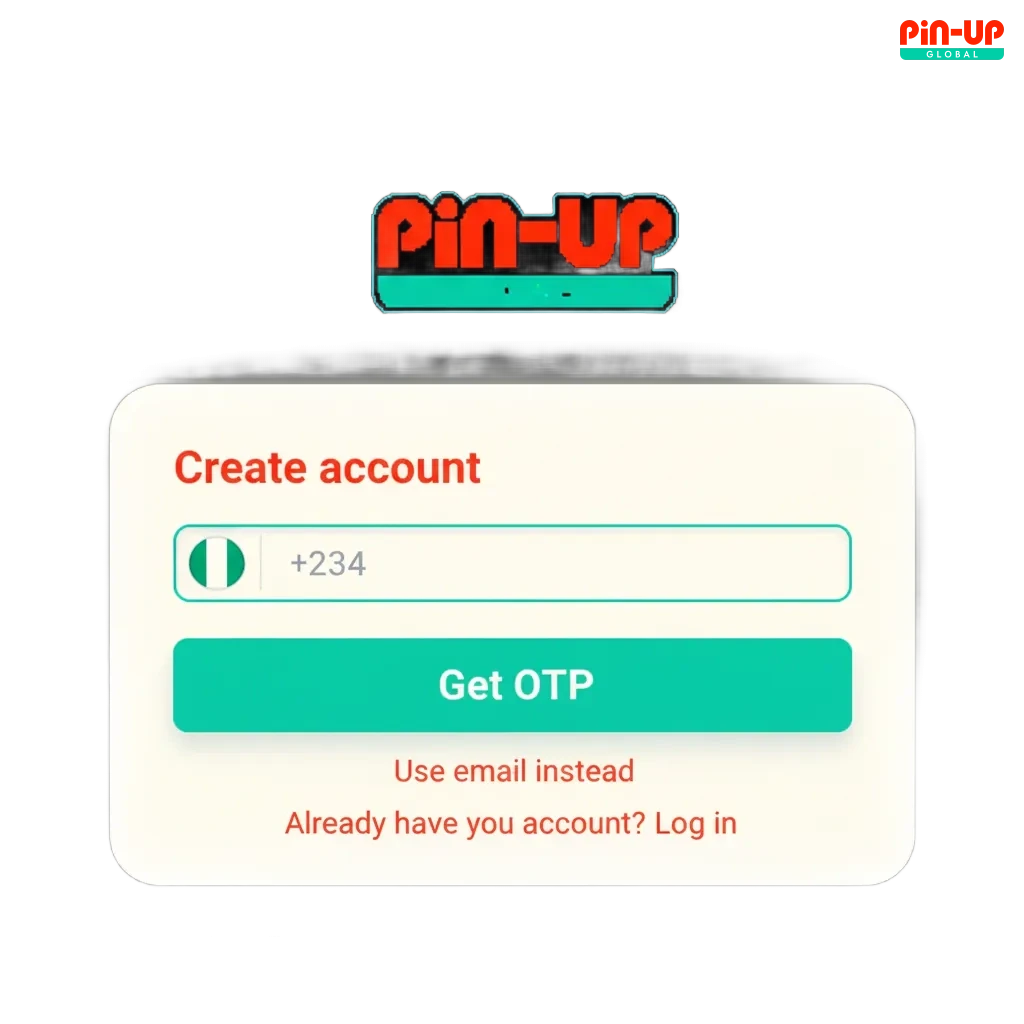
How to sign up in a few simple steps
You can Pin-Up sign up in minutes. Follow the steps below to create your account.
2
Choose your method: phone number, email, or social sign in (Google, Apple, Facebook).
3
Enter personal details, choose NGN, and set a strong password.
4
Confirm your contact by SMS or email code.
5
Accept the rules and finish registration.
Register on the mobile app
The app offers the same registration as the site, optimised for touch and quick OTP entry. Make sure the app is installed from the official source.
1
Open the app and tap Create Account.
2
Pick phone, email, or social to register.
3
Fill in your details and set a password or device PIN/biometrics.
4
Verify by SMS or email code.
5
You are ready to sign in and deposit.
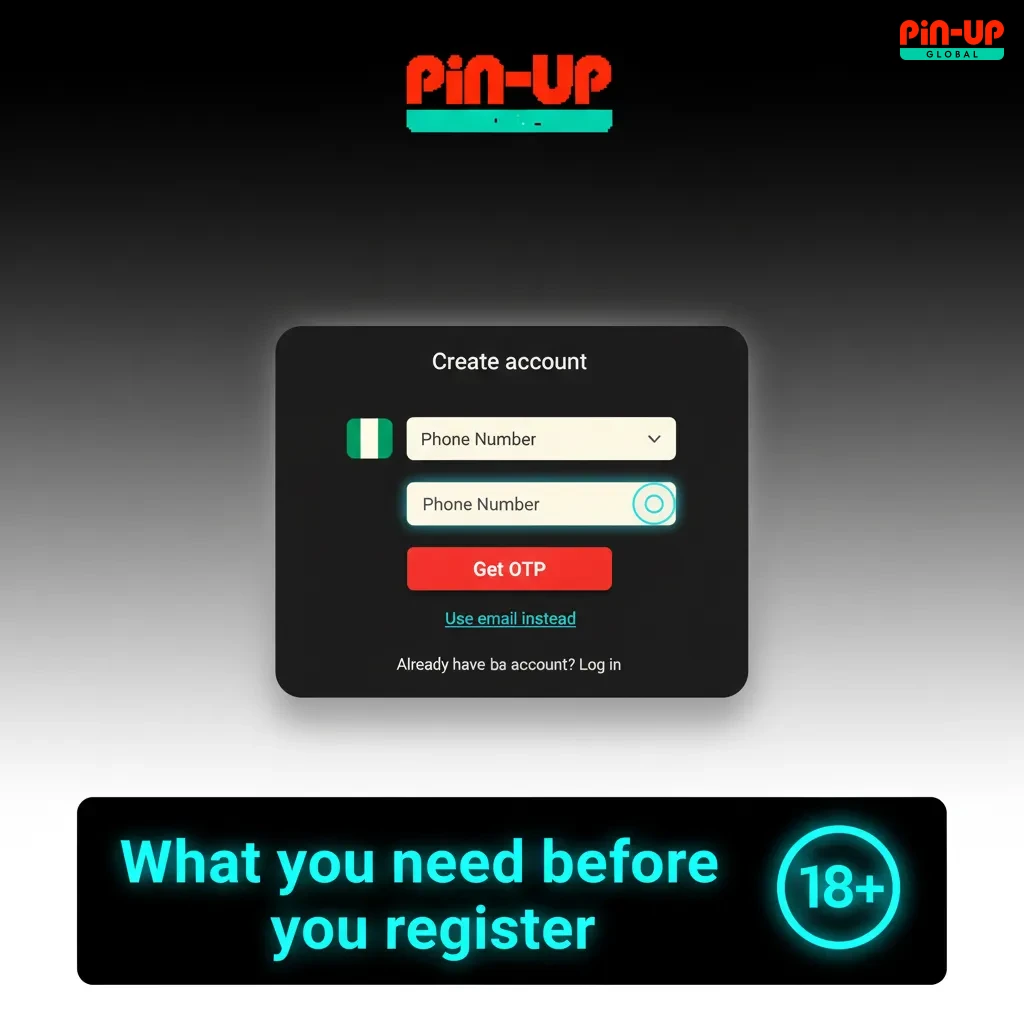
What you need before you register
Registration on the platform is for adults who meet local rules. Your details must be true and match your documents. You may need to verify your identity and address. One account per person applies. Using accurate data speeds up withdrawals.
- You must be 18 years or older.
- Personal details must match your ID and bank records.
- Only one account per user, email, phone, and device.
- Valid ID and proof of address are required for KYC.
- Use Nigeria-friendly payment methods and do not use VPNs.
Pin-Up account verification (KYC) steps
Verification confirms your identity, protects your balance, and allows full withdrawals. Nigeria users get faster help when documents are clear and recent. You only need to complete it once unless details change.
1
Contact check: confirm your phone and email by OTP.
2
Identity: upload a valid ID (NIN slip, National ID card, passport, or driver’s licence).
3
Address: provide a recent utility bill or bank statement (not older than 3 months).
4
Liveness: take a selfie or short video if asked.
5
Review: get status by notification or email after checks are done.
Pin-Up login: access your account safely
Use your chosen method to sign in and start playing or betting. Keep your password private and enable extra security.
1
Click the button below to open the Pin-Up login form.
2
Enter your phone or email and password, or choose social sign in.
3
Complete 2FA or OTP if prompted.
4
Tap Sign In to access your account.
Welcome bonus for new users
You can get a first deposit bonus for casino and for sports. The offer is Bonus 120% + 250FS, up to ₦9,000,000 NGN + 250FS. Check promo terms in your account before you play.
- Casino First Deposit Bonus
- Bonus amount: 120% up to ₦9,000,000 + 250 Free Spins
- Minimum deposit: ₦1,000
- Wagering: 40x bonus amount; Free Spins may carry separate 30x
- Availability: selected slots count 100%; table and live games may count less
- Time limits: bonus and spins expire if not used in time
- Sports First Deposit Bonus
- Bonus amount: 120% up to ₦9,000,000 (credited as bonus balance/freebet as per terms)
- Minimum deposit: ₦1,000
- Wagering: 5x on accumulator bets; each selection minimum odds 1.40 or higher
- Time limits: place qualifying bets before expiry
Note: Some payment methods may not qualify. Always review the bonus rules shown in your profile.

How to claim your welcome offer
Claiming your welcome bonus is simple once your account is active.
1
Register
Create your account and sign in.
2
Verify
Confirm phone or email so rewards can apply.
3
Deposit
Pay the minimum amount or more in NGN.
4
Choose bonus
Select Casino or Sports on the cashier screen and confirm.
Common registration problems and fixes
Most issues are easy to solve. If it persists, contact support for a quick review.
- OTP not received: Check number/email, resend the code, switch channel, then contact support via live chat.
- Account already exists: Use password recovery; if you cannot access it, ask support to verify and restore access.
- Name does not match ID: Update your profile to match your document and re-upload; support can guide the format.
- Document rejected: Submit a clearer image, full page visible, no glare; support can confirm accepted types.
- App will not install: Use the official site link, allow installs from trusted sources, or contact support for help.
Forgot your password? Here’s how to reset
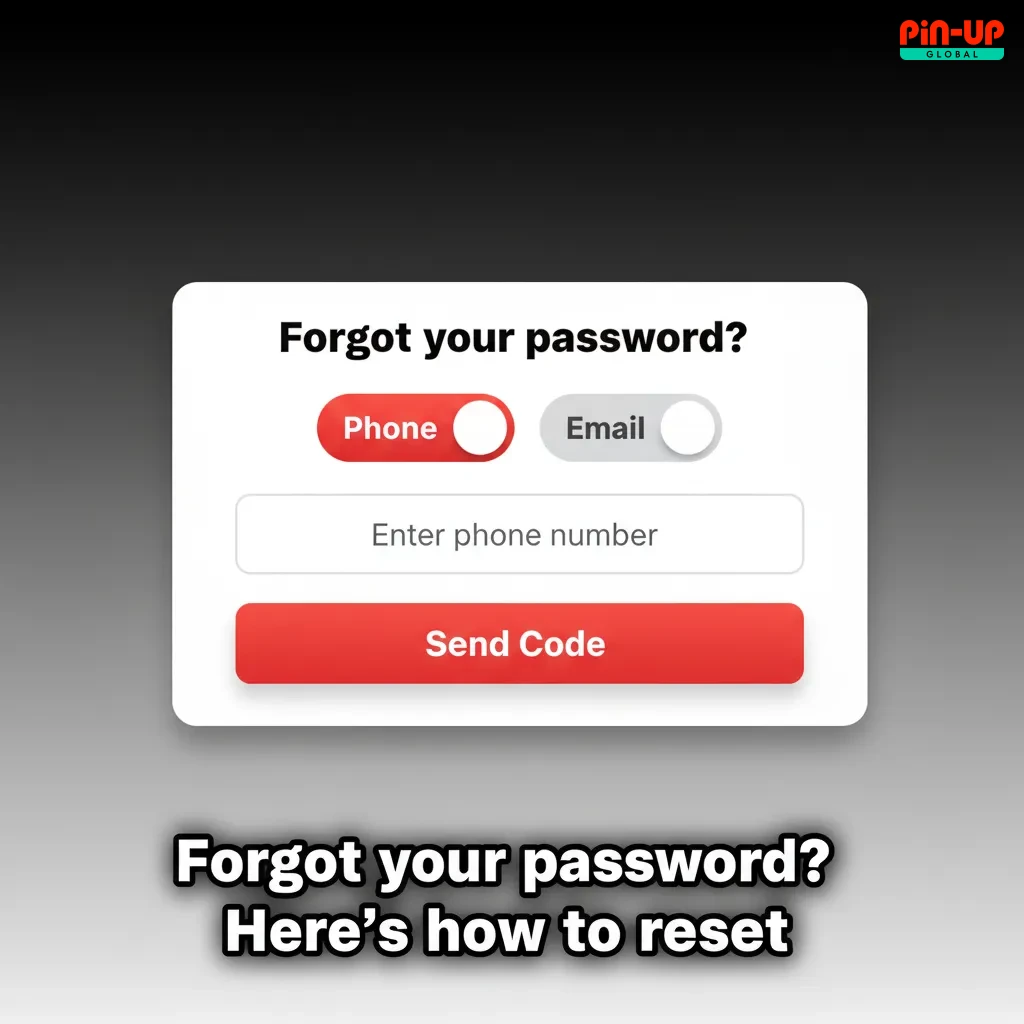
You can recover access in a few steps. Pick SMS, email, or social recovery.
- Click Forgot Password on the login page.
- Choose SMS, email, or social recovery and enter your details.
- Enter the OTP or follow the link sent to you.
- Set a new password and sign in again.
- If you lost access to phone and email, contact support for ID-based recovery.
Close or delete your account
You may delete your account if you want a break, have duplicates, or no longer play. Make sure your balance is settled before closure.
- Withdraw any available funds and settle open bets.
- Open Profile or Responsible Gambling and choose Account Closure.
- Select permanent closure or long self-exclusion and state your reason.
- Confirm by SMS/email. You will get a message once the request is processed.
FAQ
Can you register from outside Nigeria?
You should be in a permitted location. Access from blocked regions is not allowed.
Is BVN required for verification?
It may be requested to confirm your name and date of birth. Follow the prompt if asked.
Can you change currency after registration?
NGN is the default. Currency changes are not available after your first deposit.
How long does KYC approval take?
Most reviews complete within hours once documents are clear. Times can vary during peak periods.
How do you enable extra security on sign in?
Turn on 2FA in Security settings. You can use SMS codes or an authenticator app.
Updated: